
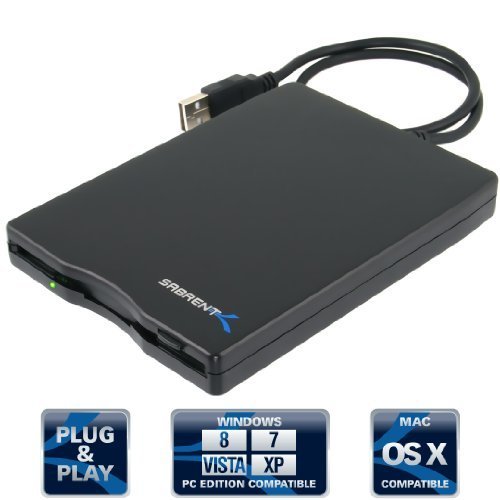
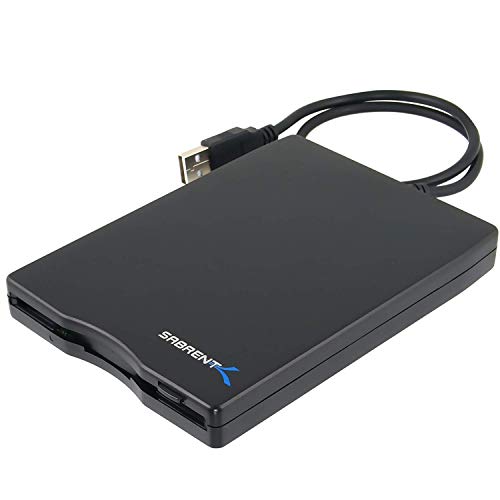
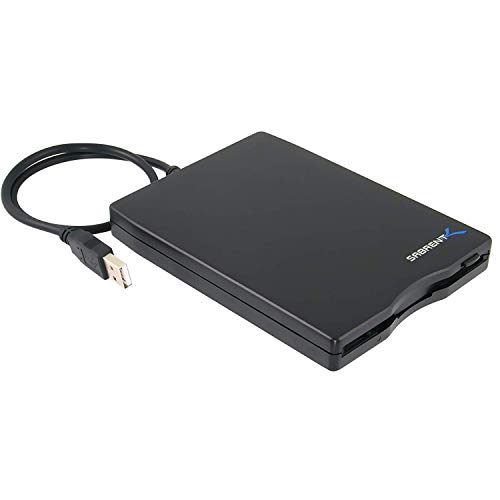
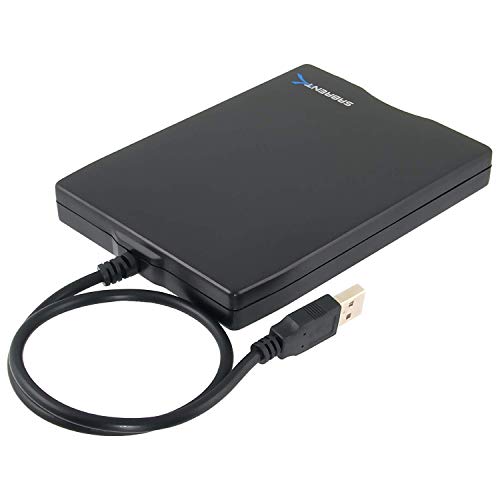
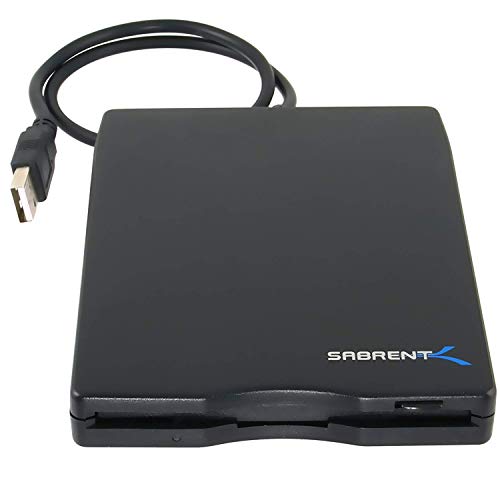
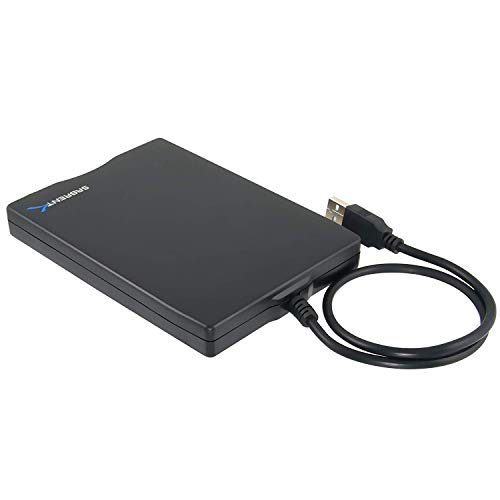

- Ultra slim & light weight case.
- Fully USB powered, no power supply needed.
- Data Capacity: 1.44 MB (formatted).
- Data Transfer Rate: 1 Mbps.
- Plug & Play.
-
Information
-
Twitter
-
Pinterest
-
Youtube
-
Facebook
Jered Quarles
Works GREAT!!!
I needed a new 3.5 disk drive for use with my sewing/embroidery machine and this one works GREAT! I thought it didn't work at first but after it had a chance to load the drivers (it doesn't tell you it's doing it) it was good to go. Please also note that when you open your folders that you may not see the A: drive along with your hard drives (esp along the left of the window). Click on "This PC" along the left side and then you should see your new Floppy Disk Drive (A:) along with the others under Devices and drives. It's such a relief that this works! Thanks for offering this external drive!
Jessica Nicholls
Sabrent Model FL-UDRV External USB Floppy Disk Drive
This Sabrent Floppy Disk Drive is working well on Windows 10 latest version. I also am using it just fine on an old laptop with Windows XP. It arrived in a shrink-wrapped original manufacturer's box. There was no CD as has been mentioned in some reviews. However, there was a sheet with some info. For those having trouble on Win 10, with the drive plugged into a USB port, go to "START" and type "COMPUTER". You will find the drive listed under "Devices and Drives". With a disk in the drive, clicking on the drive will then list the files. You can then copy, move or whatever. BTW I have it on a 4-1/2 foot USB extension cable with no problems. Now on to explore my gazillion old floppies. A good investment.
Val Dodge
CDs of bands I'm now embarrassed to have ever listened and love letters from middle school girlfriends
Almost two decades later, my parents cleaned out the attic and told me to take my shi* or it's getting thrown away. Mixed in with high school English papers, CDs of bands I'm now embarrassed to have ever listened and love letters from middle school girlfriends, were a *lot* of 3.5" floppy drives. I was curious what was on these drives, but since it's the 2010s now, I didn't own any computers capable of reading a floppy. I bought this and it did the job. The "2x" was pretty useful. Technically, I'm not sure how it works, but it reads data off the disks at double the speed. Granted, in today's world, 2x feels like an eternity, it's better than reading them at 1x speed. Update: After hours and hours of hopefully uncovering some lost treasures on these floppies, I came out empty handed.
Maj Jackson
Excellent 3.5" HD floppy disk drive
The Sabrent External USB 1.44 MB 2x Floppy Disk Drive (FL-UDRV) Black is a totally Plug and Play device which operates perfectly under Microsoft Windows 7 (x86 and x64), and also gives the user a straightforward way to boot up modern PCs from diskettes, provided that the unit is connected directly to the motherboard, with no intermediate hubs, i.e. the drive MUST be connected to the USB ports on the back of the PC in order to be bootable. NOTE: When using the drive under Microsoft Windows 7, sometimes a prompt will come up saying that the diskette is not formatted and asking the user to format it. If you know the disk might have useful data on it, cancel the prompt and open up the Windows Explorer (Windows Key+E) to let Windows reread the disk contents, and voilà, the disk contents will be presented promptly in the Explorer window. I am pretty sure this behavior is due to Windows 7, not the drive, since using it under XP didn't exhibit the symptom and, certainly, booting the PC from the same diskettes (which I've already done) wouldn't be possible if the drive couldn't read the disk.
Rashmi Tripathy
I predicted that THIS Sabrent product would satisfy.
This worked great straight from the box. It even worked on my Win 7 computer relaxing my anxiety about getting ride of my old XP. I bought one from another company previously and it worked *sometimes*. I made allowances for the other non-Sabrent model because I know these disks are old. I have literally run more than 100 diskettes thru the Sabrent over this weekend It read 90% of the diskettes and successful reformatted probably about 84%. I have owned other Sabrent peripherals (External Case to contain old hard drives both SATA and PATA) and they also worked great...so I predicted that THIS Sabrent product would satisfy also.
You Seong Lew
It works as advertised -- plug and play.
It works. And it is indeed plug and play. I bought this on Amazon, plugged it into the USB slot on my (Windows 10) desktop and it whirred to life. BUT the A: drive did not show up on my computer. Simple solution (thanks to a previous commenter): I put a floppy disk in (more whirring) and opened windows explorer and typed A: in the address bar. Viola. I could see all the (quite ancient) files on my floppy disk. I could open them directly from the disk (at least, the files which are still readable -- for example Word 2016 seems able to open any old word processing files at all but Photoshop couldn't open ancient .pic photo files). However, it's better to copy all your files to you hard disk and open them from there -- less whirring and more speed. When I finished copying the files I just pushed the button to eject the disk, then inserted a new disk and clicked on the refresh (circular arrow) icon at the right of the address bar and the files on the new disk were displayed. I found some great old photos from a trip I took in 1999 and some old documents from 1993 that I wrote in Word Perfect on a DOS computer but they displayed fine in Word 2016. Even the original formatting was intact. Well worth the $13.99 I spent on this little device.
Milliy Davis
nice people, product not what it once was...
UPDATE!!! 11.17.2016 Sabrent people are friendly, professional and quick to act. I was frustrated and disappointed my new external hard drive did NOT read the rest of the floppies I had to do to complete my project. Yes they did send another 2 days later and it too wouldn't work. HOWEVER as I reread my old floppies that had been opened by my old Sabrent External I randomly "snuck" an unread floppy into the mix and lo and behold it began to read the ones I had left!! Not sure why, but this product is working like a dream now. This makes me very happy as I have over 100 left to check before I toss them. The HelpDesk couldn't have been more helpful, patient and friendly throughout. Five stars all they way around. thanks. Had one for years. Worked great. Started an enormous project to go through all my old floppies before tossing them. Halfway through I pushed a disk that got stuck inside. Fine, I ordered another. Got back to work and it wouldn't read the disk. I could hear it spinning but nothing, then a message. I called company who was very friendly who sent me a new one they'd tested once I sent my invoice proving I'd purchased it. It didn't work. I could hear the disk going around etc. but nothing. A message came up about I/O disk. I tested it with disks I'd already read and it read those but would not read the disks left to do. They recommended I return it because they tested it. I have and am purchasing another brand and will update this when I receive and am able to get back to my project.
Patrick J Dougherty
Highly recommend this product!
While doing a "deep clean" I discovered a "ton" of 3.5" floppies in an out of the way cabinet! Apparently I used to almost single-handedly keep the Maxell people in business! Since they haven't put floppy drives in computers since forever, I didn't know what to do with them and just closed the cabinet doors! I knew there must be an answer somewhere..... I hated to throw them away! I started a search on Amazon and found this neat little external floppy drive. It was most reasonably priced, had a 5-Star rating and great reviews. My money was not wasted! All I expected and more! Since I had so many of the little floppies it is taking me awhile to transfer everything to my external hard drive, but I have some awesome graphics and fonts that I thought I would never be able to recover! Highly recommend this product!
Deanne Robichaud
Excellent
Who would have thought that in this day and age we would need a floppy drive? Well, I do. I recently received a Husqvarna Viking Designer 1 from a friend. All of the designs are on floppy disks. This was fine for the purchased disks but I am a digitizer and have hundreds of my own designs that I wanted to sew out. This item loaded into my Windows 7 system without fault. I can download everything I need. Since I have gotten it, family members have shown up with floppies for me to download to flash drives. Pretty neat. Maybe I'll start a little side business. LOL
Avis Evans
The Plug & Play worked for me. I love it!
Well! My very first computer was set up on SuperBowl Sunday in 1988! That machine didn't utilize the little 3.5 inch floppy disks, which I think had not even been invented yet! But they proved to be so ubiquitous that I ended up with several hundred of the darned things when CDs came along and shoved them out of the way. Next thing I knew, my new computer no longer offered a floppy drive of any size! Nope. Hard and CD drives were it. Now what do I do with all these things? I know that some of them have valuable content, and I was advised to just buy a auxiliary drive. That's easier said than done, let me tell you. I tried two different brands, at different times, and neither of them would work on either my laptop or my CPU. Bummmer. And then, one day I was looking for something else here at the Big A, and thought to look for such a drive. Again. I'm nothing if not persistent! I was attracted to this particular unit because it clearly stated "Plug & Play" and also MAC or PC. So I ordered it. Surprise! It did exactly as it said it would. I plugged it into the laptop, and it was immediately recognized, and read the floppy I put into it. I did half a dozen more before deciding to try it on the CPU. Same results! I am positively thrilled. Not sure I'll ever need it for the MAC, but this unit is so small, and easy to carry around, that I'll be able to take it with me in my laptop case for any future trips.