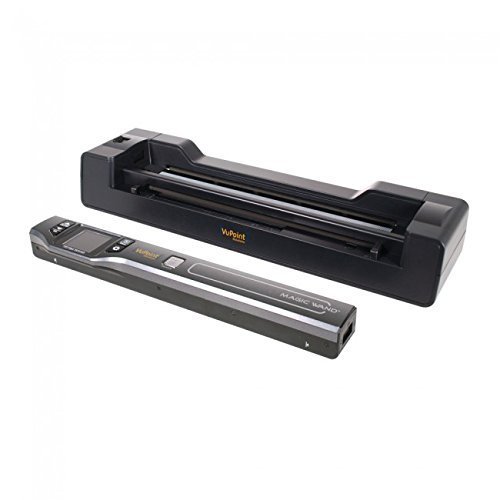
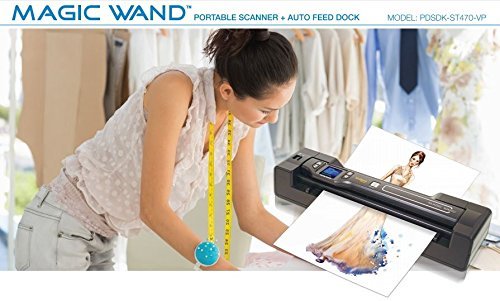
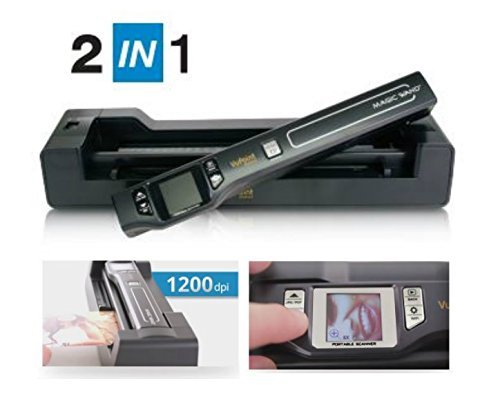

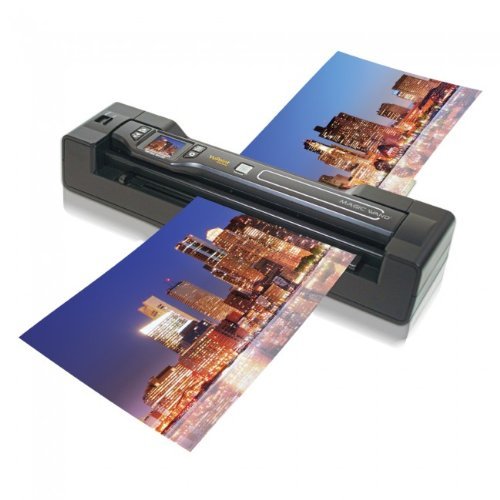

- Easily Scan, archive and organize file
- Save files onto a microSD/microSDHC memory card up to 32GB
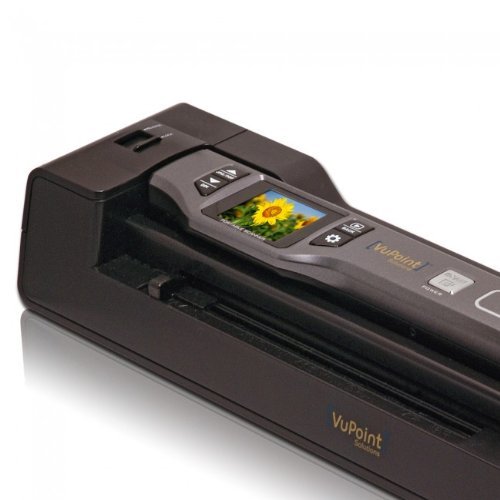
- Approximately 1.5-inch class color LCD panel to preview scans
- Uses rechargeable Lithium Polymer battery
- 1200 DPI for high resolution scans; 8.5-inch x (Scanning length) up to 125-inch. PLEASE NOTE: Kindly refer the Instructional Video from the image section before use, which is very essential.
-
Information
-
Twitter
-
Pinterest
-
Youtube
-
Facebook
Prabha Radhakrishnan
Space saving AND effective.
Let me tell you how this scanner has changed the way I do things! I used to have to photograph or scan my handdrawn line work into the computer to digitally edit it with a giant clunky printer/scanner. Now I can just use this little beauty. I'm on the road travelling a lot with my art and NEEDED a space saver. This fit the bill! Higher DPI than most flatbed scanners, it's perfect for when I need to scan photos my clients gives me or references of pieces I'm working on. Easy set-up too! Make sure you buy a micro SD card for sure, it just makes it easier. I matched this with my PocketJet printer and it keeps everything working like a large office space but from the pocket of my backpack. Love it!
Jamie Tallerico
Great little scanner. The freedom from the computer and the simplicity make it so.
I just ordered another one of these; my first was in 2015 and is still going strong. The second is to have one handy at another location. I use it primarily with the sheet feeder to scan notes for archive. And it is a bit unique for these types of scanners. If you leave the dock connected to the computer, you click one button to put it in scan mode. You then feed single sheets, each saved to the mSD card as a PDF (or jpg). Then, press a button; your computer will recognize the mSD card and you have access to the files. Nothing fancy here; but quite independent of any computer side software that ... in my experience, usually disappoints. Now, multiple page documents? I simple use Tracker Softwares PDF exchange, which adds an option to file explorer . Select all files, right click, and select combine. Review the order of the files, one click, you have a multi-page PDF. I have owned several small scanners; but this unit has been the most trouble fee, and most useful.
December Joy McGowan Herrera
SO easy to use!
Awesome! My daughter and son-in-law have this. When I watched them use it I decided right then to get one to tame the piles of receipts my husband seems to collect. This is SO easy to use! It is truly plug and play. We have a Mac computer and there was no issue at all. It does not come with a micro SD card that is needed. Other than that, it is a fantastic tool.
Kenroy Walters
I really like this scanner with the dock
So far, I really like this scanner with the dock. Set up was easy and the image quality seems very good. It is a good way to get rid of paper clutter. I want to start putting old photographs on my computer as a way of preserving them. Receipts of different sizes and thicknesses seem to feed ok. The cost was much less than some other more expensive models that had mixed reviews and had trouble with receipts.
Jennifer Rouse Wilkinson
Fast, high resolution scanning - works great for photos!
I don't often write reviews - but I do depend on them to make decisions when making purchases on Amazon. I got this scanner to scan the thousands of photos that my Mom had in albums and we wanted to digitize them so everyone in the family could have a copy. I wanted high resolution scans - and I tried for a little while with the flatbed scanner I have (part of my multi-function printer) - this was very labor intensive and time-consuming. First the scan itself was slow at that resolution and then I had to bring each scan into Photoshop to cut each photo and make it a separate file. I thought there had to be a better way - and I have been thrilled with this scanner. I got 2000 photos scanned in one day (just watching football while I scanned.) I did a few and checked the quality after doing a few - and I felt that they were coming out a little dark. So I ran the calibration (which isn't mentioned in the little get started booklet), although there are directions on the calibration sheet. And now they are great. I think I've saved myself days and days of work - the pictures go through so quickly (about 6 seconds each). Also - living in California for many years I've often thought that the one thing I really don't want to lose to a fire are my photos - and getting them scanned and digitized means I can keep a copy in a safe location (and am sharing with my family so there are plenty of copies.) I very much recommend this little scanner seems quite sturdy and well built and makes quick work of your scanning jobs. And now that I've scanned all my pictures, my friends are asking to borrow it :)
Marissa Simons
Great for large projects!
This scanner isn't perfect, but it is pretty awesome! I have been using a flatbed scanner to scan a bunch of old photos for my Grandpa's 85th birthday. It has taken more hours than I can count to get just 1300 scanned! I ordered this to give it a try and the difference in speed is quite drastic! No more late nights trying to get a decent amount of photos scanned. Tonight I was able to scan 1000 photos in basically 3 hours at the highest resolution! Some reviewers said this scanner leaves streaks. I found that if you take out the wand and wipe it off every so many pictures (i did every 50 or so) you won't have streaks. The base that feeds the pictures did malfunction a few times and continued to scan after the picture was all the way out, but it was easily resolved after turning it off and back on. That only happened a few times at the beginning of my project and it picked back up to the correct settings. I would say that even the old tattered pictures turned out well with this scanner. If you are on the fence I would recommend you give it a go!
Nabilah Nasir
Great Little Scanner
After reading some of the negative reviews I was expecting to have a few problems and/or disappointments with this scanner but I have been very pleased so far. After charging the battery I did a B&W test scan on a document with some pencil markups. It was very clear, even the pencil markings. The only problem was the white background was slightly gray in places. I then did the simple calibration procedure and did a color scan on a certificate document. It was clear and the colors spot on. I was surprised with the design and construction. It is heaver and better constructed than I expected. Even the manual was complete and used correct English not englisized Chinese. So far I am very pleased with the scanner.
Carmen Bxc Loyd
Great Gizmo!
This is a wonderful little device. We have a scanner on our printer and this little gizmo does just as good as the scanner. I am involved in collecting data for our local historical society and have used this to scan handwritten county board minutes dating back to 1872. Love the portability-I can take it to the court house and scan away. It works very quickly and the scanned items, which are all handwritten, come thru very nicely so that we can track the county history. I have also used it for old newspaper info and old photos. Works great. It is very easy to use and download the information into the computer. Not sure how much it will store. The battery life if great and love that it comes with an AC adapter. This is really well worth the $$$.
Vicki Boo
Does what it says. Worth it.
Does exactly what it said it would do. Extremely intuitive. I would not have even had to read the instructions. I have scanned about 2000 pages, forms, pictures so far. The one and only downside is that it does not directly download to my computer. I'm always concerned that I will damage or lose the micro SD card, but my 8 GB micro has stored up to 999 scans at one time, which is the highest number the front screen reads. I don't consider this a con, but FYI, it does not take anything wider than a standard 8 1/2 inch width page, but it will scan any length, such as long receipts or legal paper. All in all, well worth the price.
Rodica Liliana
Grandma loves this; scanned over 400 old photos
After a quick tutorial, my 83 year-old grandma (who has never used a scanner before) was able to scan over 400 old photos. This was easy for her because no computer is necessary. We left her the scanner over a few weeks and then she gave us the memory card back so we could copy onto USB drives to give to family members so we all have copies of her old photos. Easy user interface, not a lot of buttons/settings to learn. I've heard some of my friends use this product at family reunions and at retirement homes for photo scanning activities. The photo quality is not very high when on the computer but it's a 95% solution for what we needed. We had several Polaroids that were odd sizes and thicknesses, and you can simply use the wand to glide right over the top of the photo.