
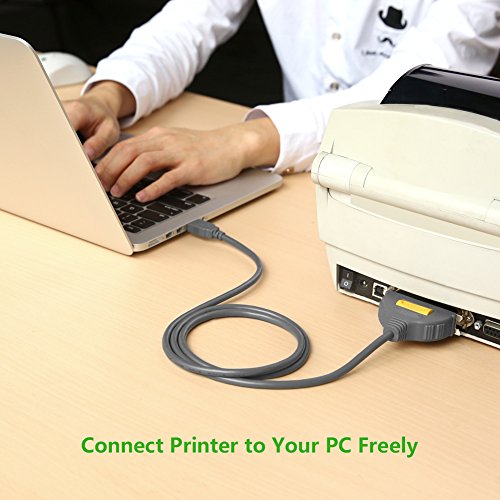
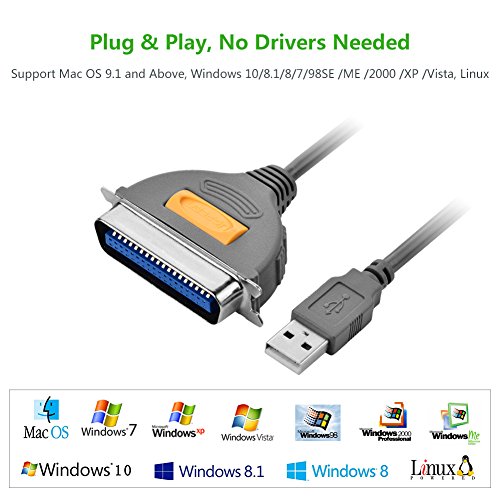
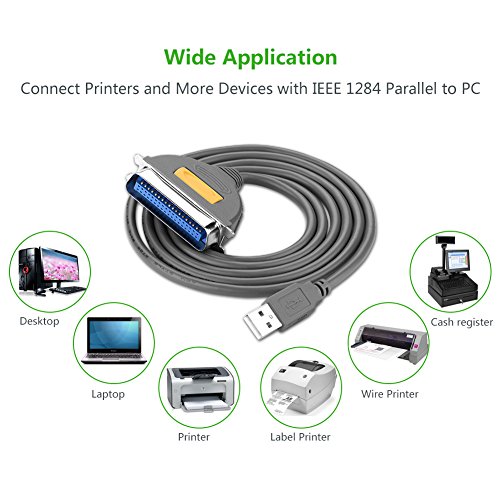
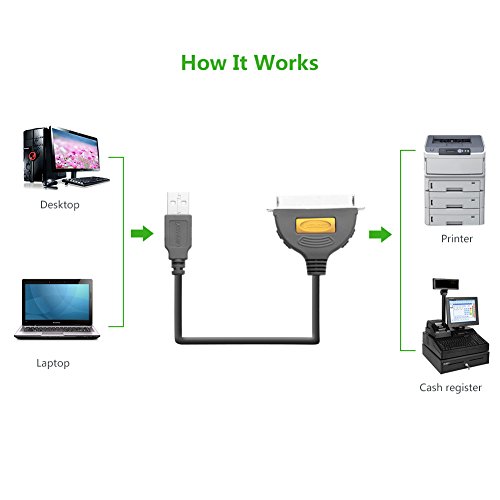
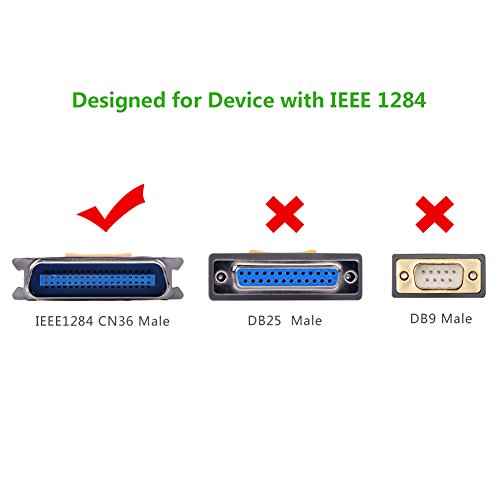
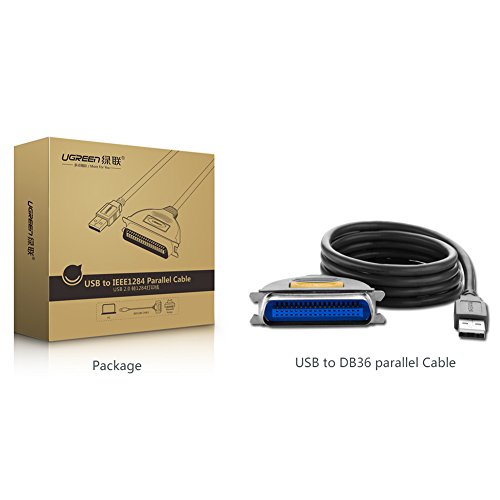

- Ideal for connecting USB-equipped desktop or notebook computers to a parallel printer, injekt, laser, and scanner etc with 36F centronics connector(Note: Please note that this is a 36pin printer cable )
- Compatible with USB 1.1 and 2.0, plug & play, no driver installation is required
- Support data transfer speed up to 12Mbps
- Plug and Play, no driver installation required
- Compatible with windows 98SE /ME /2000 /XP /Vista /7/8/8.1, Mac OS and Linux. Please kindly make sure your devices with IEEE1284 CN36 Connector before purchasing.
-
Information
-
Twitter
-
Pinterest
-
Youtube
-
Facebook
Melissa Lynn Gilliland
I use this cable to connect an 18 year old ...
I use this cable to connect an 18 year old HP LaserJet 2100 parallel printer to my Windows 10 machine. Yes, I have other printers but this one refuses to quit. This aging HP can keep on pumping out a blistering 10 pages a minute thanks to the UGREEN USB to parallel cable. ONE THING: I made the mistake of assuming that printer port was an LPT port. When you set up the printer the port should be USB.
MD Rana Usman
Works with Dell Inspiron 660 Windows 10 to HP 4100TN printer
My HP 4100TN printer also connects to our local area network via the Ethernet cable. This UGREEN USB to Parallel Printer Adapter Cable connects my Dell Inspiron 660 running Windows 10 to my HP 4100TN directly via USB 2.0. I have to connect to the USB 2.0 at the front or to those USB 2.0 at the back. It appears not to work with USB 3.0. Setup took about 25 minutes, because I originally connected to the USB 3.0 at the back. The Windows 10 printer trouble shooter provided the hint regarding USB 2.0 and USB 3.0. I also have an HP 4050N. I use these old printers because toner is cheap, print quality is great, and my CCH tax software uses fonts that I must download from the CCH tax software to the printer in PCL 5 or PCL 6. A few years ago, I purchased the TRENDnet USB to Parallel 1284 Converter cable from Amazon for the HP4050N. The TRENDnet cable is a bit cheaper. I purchased the UGREEN cable because I needed an additional cable and I could not get the TRENDnet cable to work with the HP 4100TN. I might get the TRENDnet cable to work with the HP 4100 now that I am aware of the USB 2.0, USB 3.0 issue. I am happy with purchase and recommend both parallel to USB cables. Note that installation may be frustrating to the novice.
Cascey Blosch
Re-purposed A Rare HP 9800 "12 Paper Printer
I have pulled my hair out (its ok I still have lots) trying to get a useful but old printer working on a Win 10 Lap Top. Looked at dongles, and all the rest. Who knew it was as simple as this UGREEN USB to IEEE1284 CN36 Parallel Printer Adapter Cable. Windows 10 did the rest, locating whatever driver it needed. BONUS, my old Win 7 desktop also still prints with this HP 9800 using the secondary 5 sided printer plug and USB cord. I don't know how that occurred, but I like it!! Granted, the printer is still unavailable on our in house wifi network, but the other two we have are. I am very happy!
Imane Ait El
USB to parallel cable
I have an older Ricoh Aficio 1013 copier/fax/printer (with only a parallel plug) that still works great. When I had to replace my computer I did not think about needing a parallel port. My inkjet works fine for almost all of my low volume printing needs but now I need to print out small 5-page booklets. I did not believe this cable would work... a parallel cable has all those wires for communication between the printer and the computer. So I thought... It works great! The only problem I had was I tried using a USB adapter to add the second printer... the print cables need to be plugged directly into the computer for the computer to see them (the extra DVD drive and external storage can use the USB adapter). Very Happy with this cable!
Colleen Anora Conant
Works as designed. Saves the day.
I provide IT support to almost 200 businesses in my region. Sometimes I can’t believe how many “just in case” items I have in my truck. Adapters etc. Items that can save the day. Well this is one of those items. You might say “What is this guy talking about?!?! A USB to Centronics cable?!?? Who would ever need such a thing?!?!” Well I do!!! A few of my customers have old printers that they can’t/won’t replace. I’ve deployed a few of these cables over the past couple years and they always work perfectly.
Sennen Cancerian Salise
Worked with TTX Daisy Wheel Printer
I got this because the Parallel card in my computer is acting up. I don't know if it is the PCIE slot or what. Anyway, I have an ancient daisy wheel printer from the 80s. These are basically electronic typewriters, but without their own keyboard. There are no drivers for it in existence, and it was built well before Windows or USB were even being developed. Well, this cable worked like a charm. In Windows 7 64 Pro, I just had to manually add the printer, select an open USB port, and choose the generic text only driver (which is exactly what you would use for a daisy wheel). Works like new, not a single issue.
Lauren Langley
Works perfectly!
I got a new computer & my old parallel printer had the wrong hookup for the new computer. I just plugged it in and it worked! I was afraid my old standby printer wouldn’t work any more. New technology is amazing. The computer found the software - no need for disc. It was much less than I could have gotten at Best Buy or Office Depot.
Mahendranathsing Auckle
Works Perfectly with HP LaserJet 2100
The cable came well packaged in a sturdy box, wrapped in cellophane, and with a small plastic cover to protect the USB connector. Best of all I can use my HP LaserJet 2100 printer with Windows 10 Home (which I recently upgraded to from Windows 7 Home - my Manhattan printer cable worked great with Windows 7 but not with Windows 10 - hence the need to replace my printer cable). Thank you UGREEN!
Jacinda Lynn Walker
Great Bang for the Buck!
Helped me "upgrade" my old HP LaserJet5100 printer for use on my newer Dell XPS8700! I had my old HP printer laying around and needed a way to switch the connections to something more modern. I was referred to a Parallel to USB printer cable and ended up purchasing this. I got it installed on my desktop with no problems and was happy that I can once again start printing. The cable and build quality was superb. Thank you for this amazing product!
Jessica Nicholls
It Works!!!
When I brought the Brother HL-1240 Laser Printer, years ago, it only came with the parallel cable. After more than 10 years of none use, I didn't know how to interface with it. When I found this cable online, I was very hopeful. The cable worked fine, but I had to replace the bridge and toner before everything was fine,