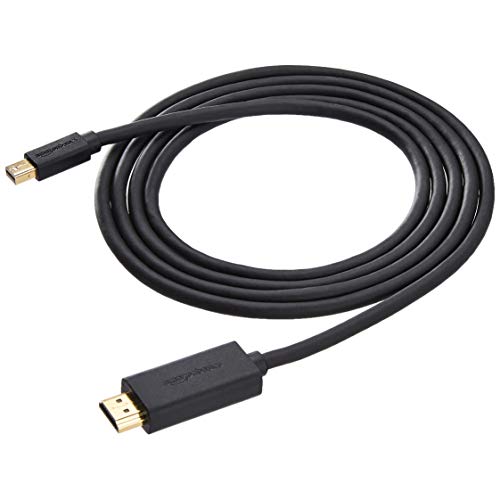
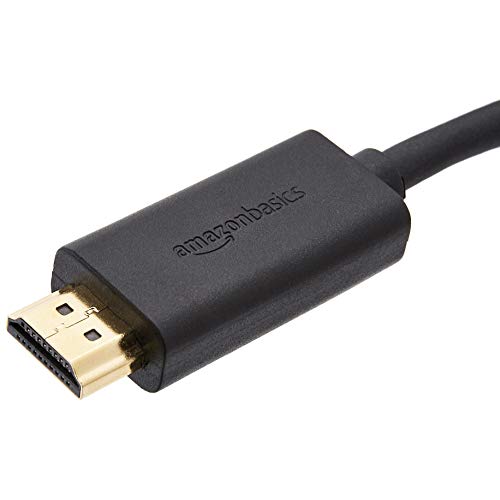
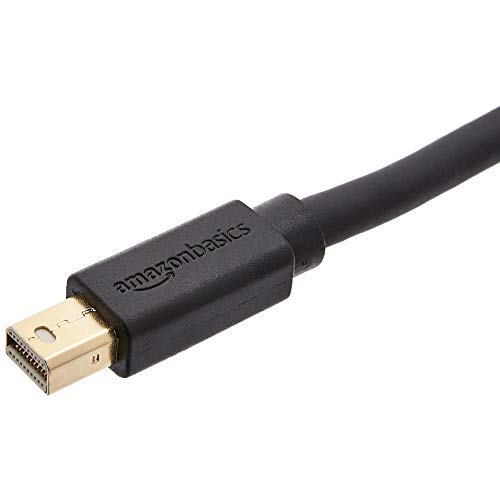

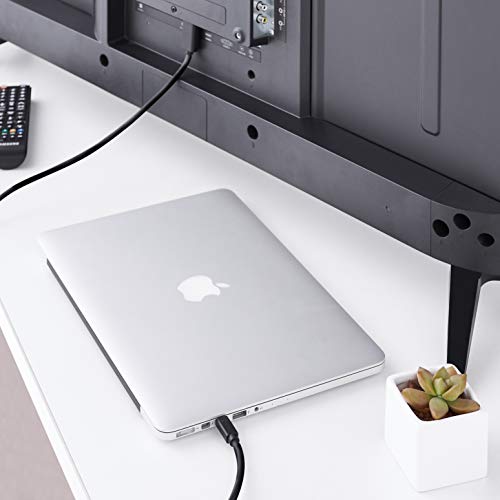

- Mini DisplayPort to HDMI cable transmits audio and video from computer or tablet to HD display
- Gold-plated connectors, bare copper conductors, and foil-and-braid shielding for strength and reliable connectivity
- Seamless audio for uncompressed digital 7.1, 5.1, or 2 channels
- Supports video resolutions up to up to 1920x1200 and 1080p (Full HD); easy-grip treads; low-profile design
- Measures 6 feet (1.83 meters); AmazonBasics 1-year limited warranty
-
Information
-
Twitter
-
Pinterest
-
Youtube
-
Facebook
Lorraine Moser Baron
Works Great
This is working great on my iMac to an external display used for video editing. Plug and play. Mac sees it as a new 'display' device, so just need to make the usual preference settings. The HDMI end is a little large, but since it's plugging into the back of a studio monitor, it's not an issue.
Kelly Johnson
Great For Connecting MacBook Air to TV
This AmazonBasics Mini DisplayPort is perfect for connecting your MacBook to the TV or a monitor. It is as easy as plug and go. I have used this for a few months and the quality is still there with no problems with the cable. The cable itself is very sturdy and can withhold quite a bit of bending. I use mine to plug into the the television so I can stream some items from my computer. I got the 6 feet long cable and it is enough for me to sit on my couch and control my computer with. I think it is never a bad idea to get something longer since you can just wrap it up a little if you don't need the whole length. The plug into the computer works great even though the DisplayPort side may seem a little bulky. I had no problems with that. If I had one complain, it would be on the DisplayPort side it doesn't show which side should be up. On one side is a DisplayPort symbol and other side says AmazonBasics. It seems a little confusing. My last cable broke within a few months and was flimsy so I'm really happy with this cable. Overall, a really solid 5 star product that is doing what it should.
Gabriel Bereta
Cheap, but quality...
Do you like spending gobs of money on ancillary stuff that only needs to work? If so, then don't buy these AmazonBasics cables. Buy the Microsoft converter for triple the price. Buy whatever dongle Apple's offering these days. But if you want a great, inexpensive HDMI/Mini DisplayPort cable, then get this one. It just works. Finally, if you're wondering how to make it attach securely to a Microsoft Surface with an angled side, take a pen knife or a paring knife and just cut a slight angle off the plastic housing around the Mini DisplayPort end. You won't harm a thing, and you'll get enough extra room to push the cable in and have a good, secure fit.
Rhonda Brown
This Cable Just Flat Out Works
My primary computer failed and I needed to use my Surface Pro as my primary system for a while. I had a dock for the Surface, but that only gave me a single external monitor so I purchased this cable to connect to the Mini DisplayPort on the Surface for a second display. The cable was very sturdy, fits snug but not overly tight and worked perfectly. If you need a Mini DisplayPort to HDMI cable this is a great cost effective option.
David Kennewell
Unbeatable Price
I bought this cable to connect my macbook to an external display. You can't beat this price. These cables cost $50 at Best Buy. I have one in my office that is over two years old now and still works just fine.
Clara Jo
Perfect To Hook Up MacBook Air or Pro To External Display
Just needed this cable to hook up my MacBook Air to a external monitor. It has an awesome build quality( as do all Amazon Basics products do) that does an awesome job for what i need it for. I would highly recommend this product if you need to hook up your MacBook Air or Pro to an externtal display using the thunderbolt to HDMI.
Waji Faizy
SurfacePro Dock to HDMI Monitor
You take a chance buying adapter cords. First, did you buy the right one with the correct version that will fit your device? There are only about a thousand combinations. Second, you can adapt, but will it adapt well? Will the audio come through? Will it sync properly? I am please to say that this cord perfectly synced up my daughter's SurfacePro Dock with her HDMI monitor. She is as happy as a clam, and so am I.
Misty Boss
Awesome!
Totally awesome product. Allows me to watch out of area TV channels that broadcast live over the internet. Plug this in to my MacBook Pro to TV HDMI. Resolution is very good!
Tracy Carrier
Great item. Works straight out the box. No set up
The cord is great as soon as I received it in the mail I plugged it into my MacBook Air thunder port and into my tv and needless to say it works! The screen dais plays on both my computer and the tv but the sound does not transfer. I have a Bluetooth speaker so the sound goes into that which is great.
Pho Tartee
Very useful for my Lenovo T430 laptop; Puts the screen onto the TV.
This lets me attach the Mini-Display port (connector on the left side of the picture) of my Lenovo T430 laptop to a modern TV (the right side, an HDMI connector). Strongly recommended for that purpose. My children all have Lenovo T-420s, and there is another cable for them... In that case, Displayport to HDMI. Displayport, you see, has no licensing fees, unlike HDMI, so laptops & etc. tend to use it for a digital video output when the standards are in flux for connectors or digital formats.