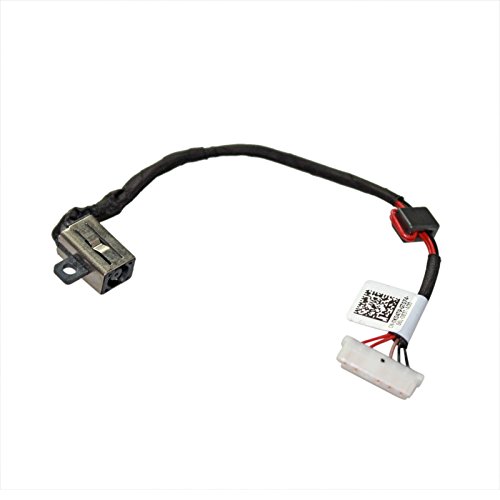
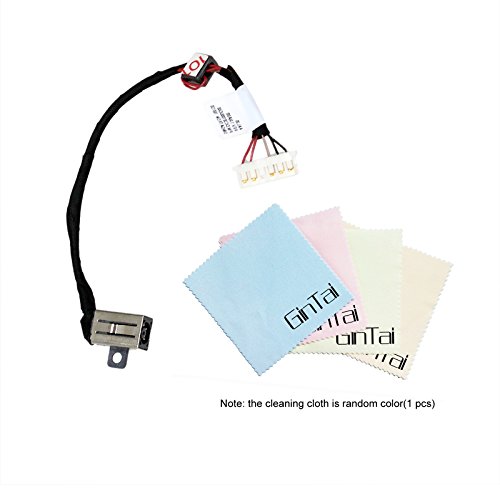
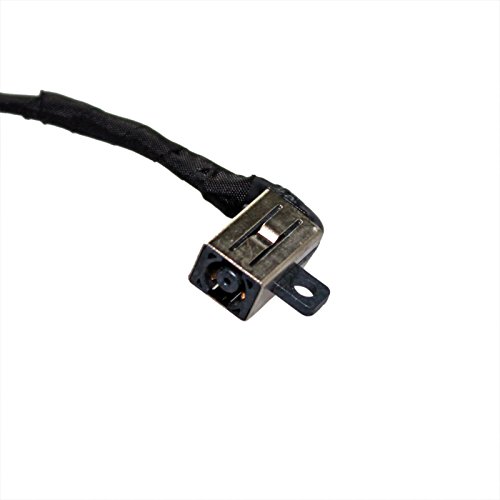
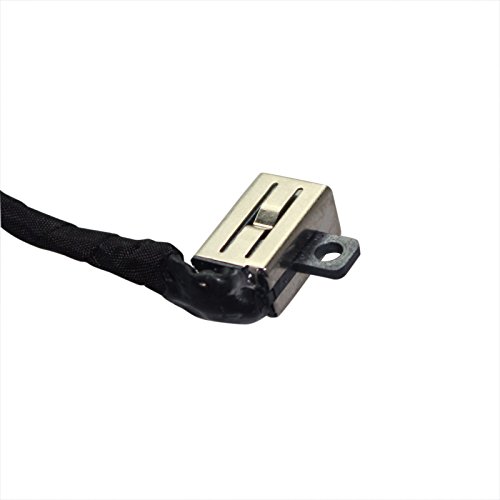
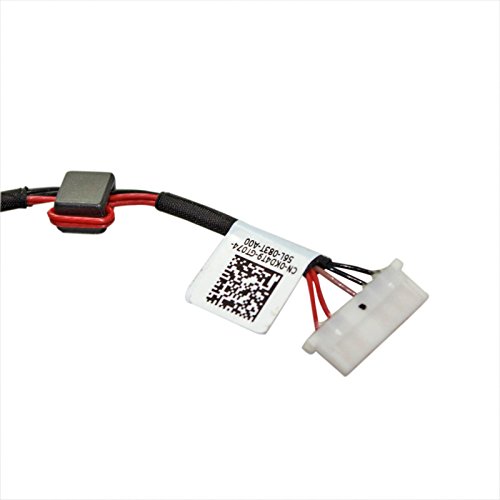
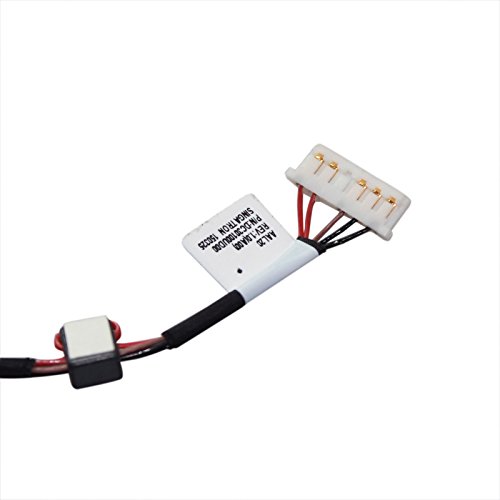

- Condition:Brand New
- Cable as the picture
- Please make sure you are buying from GinTai
- Special skill and techniques required for proper installation
- Comaptible with models:Dell Inspiron 15-5000 5551 5555 5557 5558 5559 DC30100UD00 Vostro 3558 Cable KD4T9
-
Information
-
Twitter
-
Pinterest
-
Youtube
-
Facebook
Joel Olry
Fit perfectly and works like a champ so far in my wife's Inspiron 15-5559 ...
Fit perfectly and works like a champ so far in my wife's Inspiron 15-5559 laptop. I hope she doesn't break this one, because it was annoying having to completely disassemble the laptop in order to replace it. For reference, the original DC jack was missing the plastic insert, didn't make good contact with the DC plug, and would not charge the battery. Nice firm insertion now, and immediately charged the battery to 100%.
Jean Tang
Works!
That's all it needed to do. I used it to fix "AC adapter wattage and type cannot be determined" error on Dell Inspiron 5566. Keep in mind when doing this repair there are about 30ish screws to remove on this laptop, plus you need to almost completely disassemble the computer, including disconnecting the motherboard from the chassis.
Jasmin Lingad
It works
My wife's laptop wouldn't charge up anymore, I found through investigating other peoples problem with this situation ; I needed this component. So after a little (lot more than I imagined) opening up of the laptop inner workings, I was able to install this component. Works great, wife is happy and I am as well. Not exactly OEM , but it works.
Justin Corning
Works perfectly, saved costly replacement!
Bestbuy wanted over $300 to replace this port thinking it needed a new motherboard. Here I was able to replace it for only $7. NOTE: Search for a good video on replacing it (like the Parts-People who make excellent repair videos) so you can see anything you need to be careful about when replacing it. So this port was smashed by the user when they jammed a headset jack into the power port hard enough to destroy the inside of the power port. Replacing it was quite a few screws and not for the faint of heart. You have to be careful with the plastic connectors and cable connectors to be sure you don't damage them or you could damage the laptop worse than it already is. If you are not comfortable with this have a professional replace it for you. Since it isn't the motherboard, and the part is only $7, it shouldn't be a very expensive replacement maybe $100-$125 for labor depending on who you hire.
Ashley Baker
Great Price For A Great Product
Perfect replacement for my Dell Inspiron 5559. I took photos when taking my laptop apart to guide me in putting it back together. There are some videos online which make the installation easier. The hardest part is keeping all the screws organized to mark sure you reinstall the correct screws during the reassembly. There are a lot of screws to remove during this install and they come in different sizes. It is very easy to get the screws mixed up so make sure you organize them in the order you disassemble the laptop. This replacement jack works great.
Sharon Lotayo
Great Overall Value
I have a Dell Inspiron 5559 and this DC jack seems much better built than original equipment. Install was a breeze thanks to partspeople.com step-by-step process demonstrating how to replace the jack. One thing I would suggest is, press pause on each step until it is completed. Each step should have an assigned paper cup to place all the screws so that (1) you don't lose any screws, and (2) you understand that each step has a certain number of screws before the reinstallation of that step is complete. Try not to be overwhelmed about disassembling a laptop. Follow the steps by partspeople, then put it back together...just go in reverse order!
Angie Parker-Brown
Virutec Computer Repair Approved.
I run a small computer repair store and only leave reviews on the things I feel meet expectations. I am giving this item a 5 star because It works great with no problems. We probably spend over $50,000 a year on Amazon for our business, so finding the right parts in a timely matter at an affordable price so I can make some profit is key. We rely on Amazon to keep us in stock with parts.
Lori Peeples
Better than the factory replacement.
Worked perfect for my Dell. The first time the factory warranty fixed it, but this Dell is not worth now paying somebody to fix this same problem again. I purchased some tools, watched a few Youtube videos and 2 1/2 hours it was fixed better than what the factory did. This one seems a little better than the one that the Dell factory had replaced? Worked perfect until the next week when my wife dropped the laptop and cracked the screen. Yep I am now fixing that too! Get the right tools and take your time you too can fix it.
Mirza Lipi
DIY, don't pay for your laptop repair
This was an easy solution for my wife's Dell Inspiron 15-5559, it has an error "Plugged in. Not charging" Besides the fact the battery was almost dead the laptop stopped charging as well. Instead of paying extra for repair i replaced the jack myself. All you need is a small phillips screwdriver, a pick and tweezers. I might cost half the price in China but I wanted my next day delivery
Susan Jordan
works
I have a 2016 Dell 3558 laptop. This part does not look exactly like the Dell part, but it fits fine and works correctly.