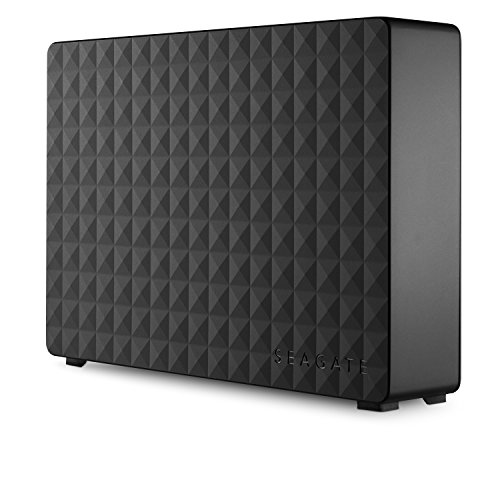

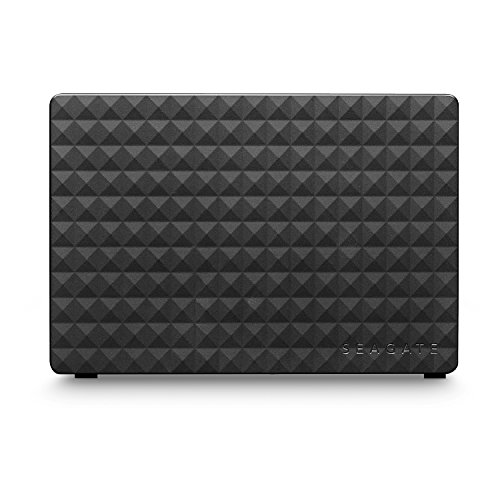
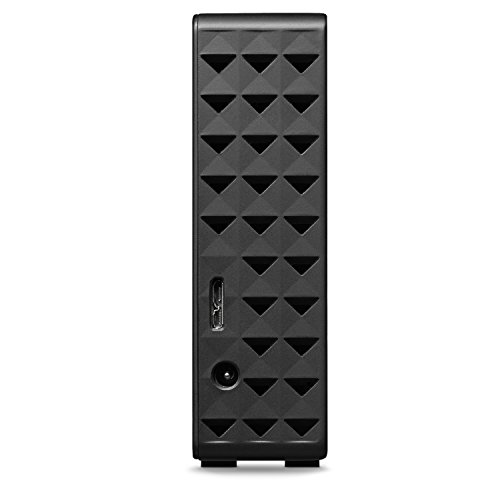
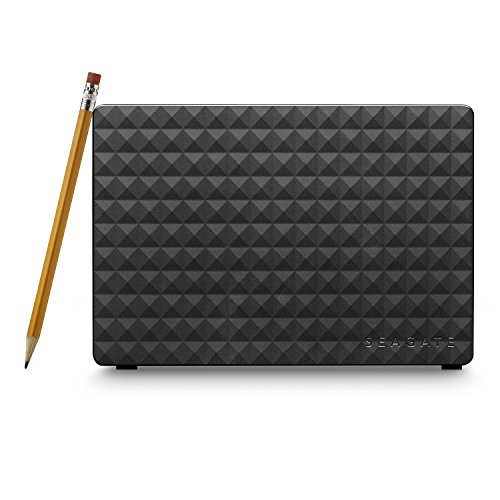
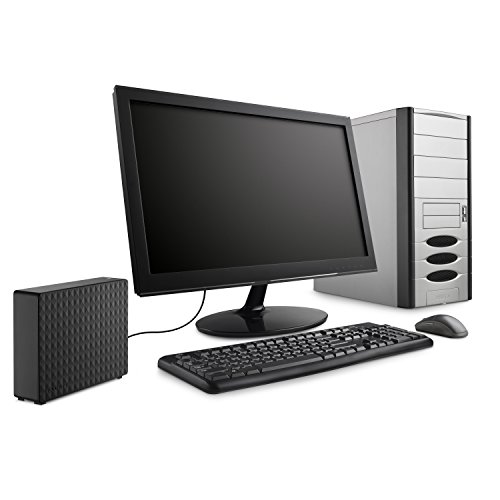

- Enjoy enormous desktop storage space for years to come for photos, movies, music, and more
- Designed to work with Windows computers, this external USB drive makes backup easy with a simple drag-and-drop
- Setup is easy! Just connect the external hard drive to your Windows computer for automatic recognition—no software required
- Includes an 18-inch USB 3.0 cable and 18W power adapter
- Enjoy long-term peace of mind with the included one-year limited warranty
-
Information
-
Twitter
-
Pinterest
-
Youtube
-
Facebook
Bonnie Clyde
Ps4 pro external hard drive
I got this for my ps4 pro when the update came out and let me tell you it works I can get about 29 to 30 games on the drive that is built in the ps4 but with this I or you can about 300 to 350 games or very close I hooked it up to the back of the ps4 I got all my games along with my psvr games to on it I have about close to 80 to 100 games but honestly so many I don't know off hand how many I give this a 5 star but I really give it a 10 star the ps4 pro I give a 10 star to a true 4K console a must have but to use it you must have system software update 4.50 or newer if you want a external hard drive this is the one for you
Cathi Collins Mikutis
Great deal for 8TB
I bought this 8TB drive because the price was so low, despite many bad reviews. I own many dozens of large drives and I find they are all reliable and drive failures are generally the result of mishandling. I use drive monitoring tools to know the health of my drives, these tools read the SMART data from the drives. This drive had zero defect/relocated sectors. It is also extremely fast. I loaded it up with about 7.5TB of data and the sustained transfer rates over USB 3.0 from a 4x Raid 0 partition were between 150-200 MB/sec which is reasonably fast for file transfer. DoA drives and infant moralities are likely due to being dropped (in shipment). Over the last 8 years I have had 2 complete failures of Seagate drives and SMART errors on 1 Samsung, 1 WD, and 1 Seagate drive. This is out of roughly 50 total spinning drives. The 5 failures out of 400 service years means that I am experiencing about 80 years between failures. Seagate drives are 60% of the failures but they are also probably 60% of my installed products as well. So, I generally disregard bad reviews claiming DoA. If this drive does fail within it's first year I will be back to update this review.
Amanda Jean
8TB for $149? Great deal! Baracuda ST8000DM004 INSIDE!!
8TB for $149? Great deal! Unit works as expected with massive capacity. In fact if you want a 8TB internal drive at this price, just carefully remove the housing and interface and you have a 8tb Baracuda SATA drive ready for format and installation! This unit has a Baracuda ST8000DM004 which sells for $199 WITHOUT the case. 5 minute case removal saved me $50!!
Judi Wagnerfoxthomas
Huge and just works. Buy two and make redundant backups, that is cheaper than recovery.
You will need a USB 3.0 interface, but at 8TB, it is cheaper than bare drives, and will store EVERYTHING. You need to backup. Cloud? Can you really restore terabytes of data? Backup needs multiple different media, and saved in different places. With this you can easily buy two and swap between them, backing up every bit of your data on two redundant drives (I'm not even talking RAID here). You don't have to worry about deleting older versions. Beyond that, it just works. Plug in power and USB and you get a full drive. Suggestions: If you are on windows using NTFS, turn on compression immediately so you can store more than 8TB raw, and the transfers might even be faster. Copy everything to it (even if you are rotating two, you can sync them monthly), even if you don't think you need the old docs, you have the space. Defragment once a month - it will take a while the first time, but be easier after that. It is storing very high density, so make sure there isn't a lot of noise or vibration, and watch it if you've left it in a very warm or cold area since it gets confused until it is nearer room temprature.
Nancy J Munoz
Purchased for PS4 Pro - So far so good
Bought this for dedicated expanded storage for my PS4 Pro. So far it's working beautifully; absolutely no increase in loading time versus pulling data from internal system storage, and sometimes seems to even be faster. As a bonus, if you care about the appearance of your home electronics/entertainment setup (which I do), the black casing with blue LED matches the PS4 aesthetic so perfectly when sitting next to it that one almost expects to see a Sony logo on the drive. Of course if it dies or causes a fatal data issue at any point in the reasonable future, I'll edit my review and drop the rating appropriately.
Leathaj Cooper Degraw
Great Value and Performance!
What a great drive! I bought this 4 TB Seagate expansion drive and also bought a 4 TB WD My Book, both connected to my iMac. I had to reformat both for my Mac, but other than that, setup was easy. I will say the Seagate is about 20% faster than the WD, which is no slouch. With the Black Magic speed test, I am getting around 145-150 MB/s for the WD and ~170-180+ MB/s for the Seagate expansion drive, and the Seagate was about $20 less. bI have had this drive for a couple of months now and have experienced no issues. I did have an issue where it would not always mount on boot up, and I swapped cables with the WD (both have the same interface) and have had no issues since with either drive. At about $27 per TB, you can't beat the value.
Wendy Perez
ST8000DM004 is the drive in this case
Here’s a tip: the drive in this is the Seagate ST8000DM004. Takes 2 minutes to shuck the case, and so this is the least expensive way to obtain massive storage for your media server. The Seagate drives on eBay for $169 are likely out of these cases. Running these drives on a Windows 10 mirrored storage space. Write speed is 90mbps (due to writing the data twice across drives) and read speed is around 250MBps (due to reading off two drives at once). If you were to set up a mirrored Storage space with four of these, write speed would be 180MBps and read speed would be 500MBps! I would not recommend running these in this case as there isn’t a lot of air space, zero air flow, (the case is sealed) and the drive tends to get pretty hot over time.
Makenzie Rossman
Easy to shuck and works great in my Unraid server
Easy to shuck and works great in my Unraid server. If you're looking for a lot of space this is probably one of the best options to get the most "bang for your buck". This is about $100 cheaper than buying an internal 8TB SATA drive...yet that's exactly what's inside. Not much else to say except that I didn't use the USB functionality of this device so I can't comment on that. The USB interface, however, is relatively small and can easily be attached to another SATA drive, so you could use it to interface with other SATA drives over USB if you wanted.
Latashia Gegner
Shuckable drives that are always either Barracuda's or Barracuda Pro's inside.
So I do shuck these drives. I don't use them in their external enclosures. So if you want to know how they perform as external drives, I unfortunately can't offer you any assistance there. But if you remove the hard drives from these enclosures for internal use. I can help you. These drives are amazing. I've been buying them when they go on sell from Amazon and other retailers. I've purchased about five total and so far they have all been Barracuda or Barracuda Pro's. I also test the drive before I shuck it (remove it from it's enclosure).. and have yet to get one DOA. They've been going very strong in my unraid server which primarily runs Plex, but I also use it with programs like handbrake. So they do receive a constant amount of data being written and modified on them. They stay cool. They run quiet. And lastly, they run perfect. Will continue to buy these for all of my large storage needs.
Melissa Binder
So far so good
The drive has an 8TB Barracuda Compute 5400rpm drive inside these days. This isn't the same drive as the archive drives they used to have. As an external they're pretty quick as long as you're on USB 3.0, on 2.0 the controller really slows down the data transfers. Western Digital's controller on this size is better on USB 2.0. Reverse the roles and this drive is faster than the WD on 3.0. They're probably similar if they were separated from the cases so this boils down to the case. I wrote 7TB of TV shows to it and hooked it up to my computer in my bedroom, that I have hooked to my TV. Then I just call up the hard drive in Kodi instead of fumbling through all my DVDs. My wife and I go to bed at different times so it's been averaging 6 hours of use a day. Got about 300hrs on it of actual reading and the few days it took to write all the files on USB 2.0 from my HT PC in my living room which is kind of outdated. Plenty fast on 3.0, quiet. I use hard disk Sentinel and reboot the computer every evening, so far it is still reporting 100%. Eventually when I finish another project I'm going to top it off with a few more files and see how long it holds out like this. Update: don’t knock it over while it’s running, it’s narrow, caused a head crash, my fault but had several thousand hours on it without issue. I will check temps laying it flat on the next one. Update 2: purchased 2 more working well for over a thousand hours, saw someone else had an issue when they knocked the drive, simply put be very careful where you set the drive.