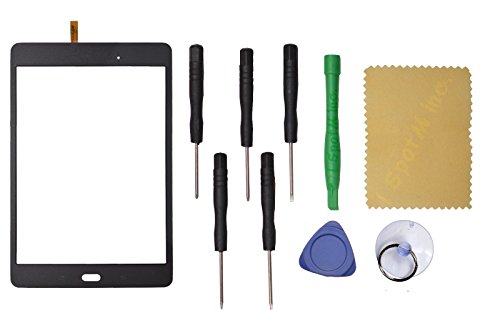
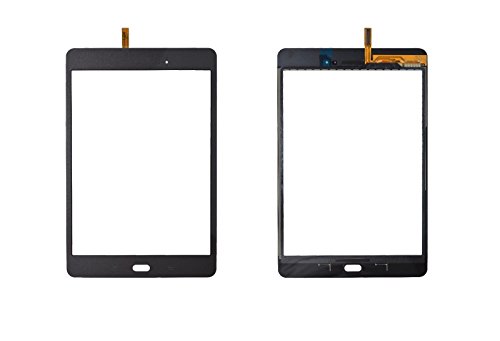
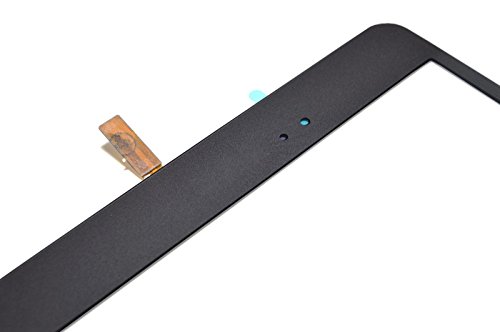
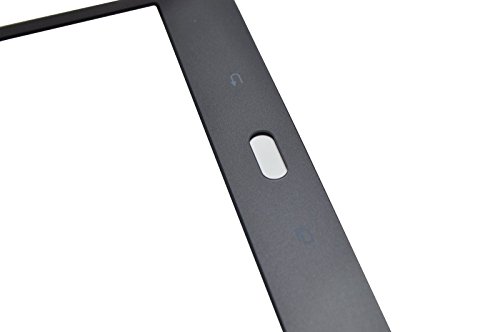
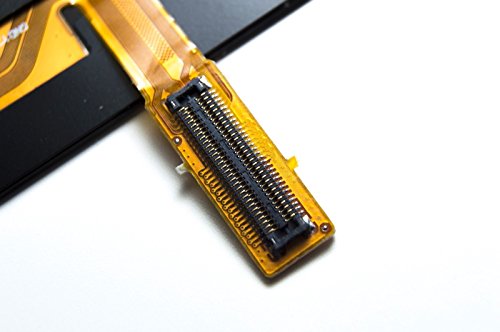
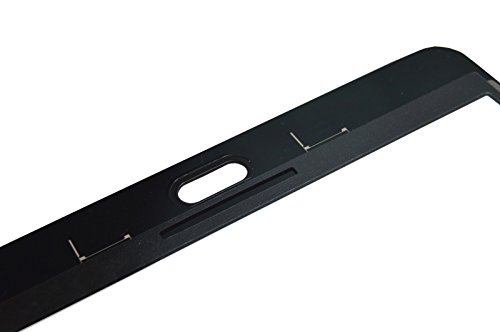

- 1x Gray Touch Screen Panel Glass Replacement with Digitizer
- 1x Free Tools Kit Set ( The Tools Are Not Replaceable )You will also need other tools in order for you to be able to fix the device.
- This is not an easy job for someone who has no experience at all.
- We will not be held responsibility for any damages to this part and your device caused by your wrong operation.
- Therefore It Is Highly Recommended That You Use a Professional To Change You Screen To Minimize The Risk of Damage To Your Device.
-
Information
-
Twitter
-
Pinterest
-
Youtube
-
Facebook
Sajid Shah
It does work.
Was able to fix a cracked screen. This is not a easy process and most likely the reason most repair shops will not fix the Tab A. Removing the factory screen is a bit tough but doable if you go slow. I chipped both sides inserting a knife and did crack the back panel. After putting the new screen on it would not stay in place and was visibly raised. The solution is probably to get very thin double-sided tape - which I did not have and was not going to order. I used a very thin layer of super glue (I know it melts plastic), but was able to get the screen down without issue. After gluing, I used large binder clips over night to clamp the screen down. The tablet resides in a "protective case" so the crack and chips will never show. Recommend when ordering to purchase double sided tape. If the screen on my tablet cracks again, I can never remove it due to the super glue I used.
Robert Victor Moore
worked
worked for its purpose. thanks. watch youtube on how to replace broken digitizer
Tawana Winfield
Worked great and was working perfectly till I pressed a little ...
Worked great and was working perfectly till I pressed a little hard when doing the final setting (after testing) and cracked it again. :( It was my own fault as I had a bit of the old two sided tape bunched up near the corner and was pressing it down to flatten. I thought a little pressure to push it down would be OK, but I was wrong. :( I'll be getting another replacement soon.
Vinod Singh Rana
So happy I found these
I had 2 broken tablets and was not going to buy new. I did some research and this was recommended. I took the risk because of the price. Once I got it I was very intimidated about doing it myself as I am not tech savvy to say the least. So now that it has been a month, I sat down and did it myself. NOT A PROBLEM. Did both of them in a little over an hour. The first took much longer just because I was sweating bullets, but it worked like a charm. Would highly recommend.
Jonathan Birdman Martin
It fit perfectly for my daughters tablet. Be sure ...
It fit perfectly for my daughters tablet. Be sure to watch a Youtube video and be very patient. Took my husband and me both to tackle this project.
Christopher M Mccard
Great screen!
The worst part was the tools to lift the screen. Lol. Took me about a hour and a half to do because of that. I’d say buy the metal tool they use in the YouTube videos! But other than that I got it all apart and placed the new screen on and it works even better than before the original screen broke!
Kelly Johnson
Flawless.
I bought this so I could fix the screen on my daughters device. It’s been months and the screen looks original. Flawless. Thank you.
Wayne Kirk
First one exchanged without issue, second works great
Works as intended. The first one received had the back button not work. It was exchanged without an issue and the second one worked fine. Make sure to plug in and test before sticking to the device.
Katie-Lynn Arter
Was pleased with this !!!
All tools needed included, good quality glass, not thin and cheap. Packaged very secure in lots of bubble wrap and professional box, shipped quickly !!!
Susila Silwal
Great replacement screen.
This screen worked great for a replacement on my broken tablet. The double sided tape included was nice to guarantee a good seal when closing back up. Tips for when replacing: Use a heat gun or lighter to help loosen the tape that is holding the original screen on. Will help a lot when removing. Also be careful not to slide your flat bar to far into the screen when prying off. Cables can be clipped when doing so.