
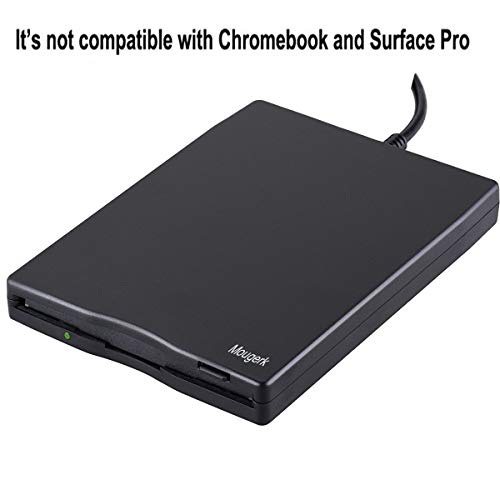
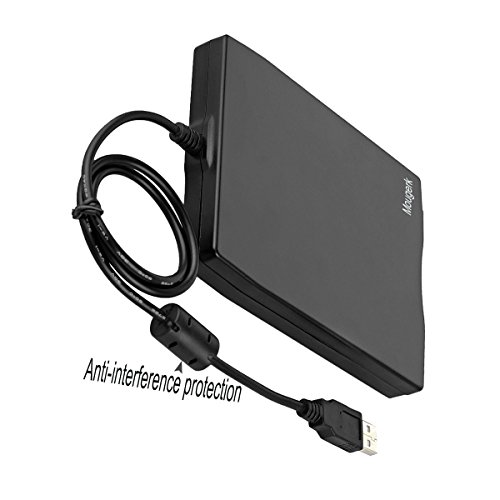
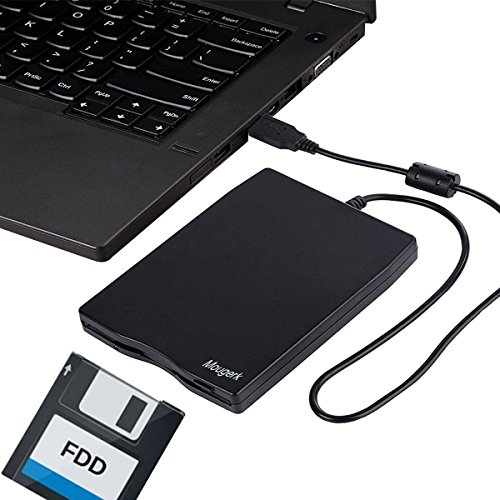
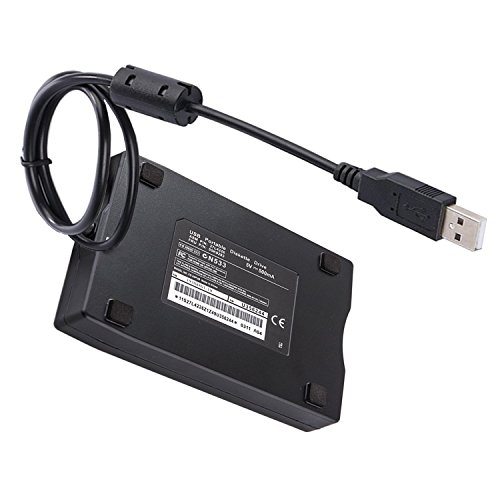
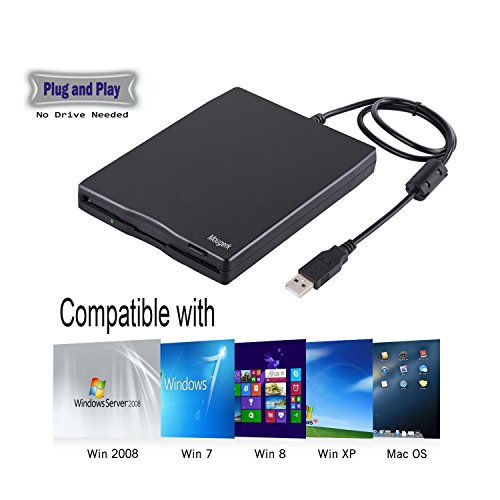

- USB floppy drive uses 3.5 inch disk. External floppy drive can Plug and play, no need driver. But it is not compatible with Chromebook and Microsoft Surface
- The power of the 3.5" usb floppy drive get from the USB port, no external power required.
- Read/Write 1.44 MB floppy disk, compatible with Mac Windows 10/7/8/XP/Vista PC Laptop Desktop, for Dell Acer Sony HP Lenovo, etc
- External Diskette Drive with USB interface, USB 1.1/2.0/3.0 compatible
- 100% risk free purchase,12 months product warranty, 30 days product Replacement or Full Refund if you are not satisfied.
-
Information
-
Twitter
-
Pinterest
-
Youtube
-
Facebook
Angel Dimitrov
Worked fine on my Mac and PC.
I have used the drive without issues on both my old Mac Mini (High Sierra) and my newer HP Desktop PC (Windows 10). On both computers I hooked the drive up after booting to the desk top. The PC recognized and identified it as the A Drive immediately. Th Mac Mini did not initially see the drive. I had to go to the About This Mac under Finder. It showed up under the USB drive list after a refresh. I was able to look at all of the files on my 3.5 disks. Nice to have access to all my old film photos I had digitized back in the 90s and early 2000s
Kaye Hughes
Good deal
Bid noisy but when your used to CD, that's understandable. Does the job intended very well. Would by again.
Yves Guevremont
Works great. No driver installation required.
Works great. Just plug it in and go. I use it with Windows 10
Gęmmå Śmîth
Floppy Drive
Was very pleased with it, was able to write floppies for my sewing machine. I have had two before, not this brand, one the wires pull out the back, the other one just kept running but not writing. So very pleased.
Mary Murray
Five Stars
good price and it works fine read all my old diskettes
Neko Kawaii
Just what I needed!
Plugged it in and it worked like a charm. This will help me go through some old diskettes and are not labeled to find out what is on them. I am able to delete files and reformat the disks. It works well on my Windows 10 laptop. Have not tried on my older Windows 7 or XP laptops yet.
Skyler Overton
Works well great price.
Still use a old sony camera that takes the floppy disk. This woks well to put pictures on computer.
Marcena C Caple
It works fine, but back up before your data becomes unreadable
OK, I had a few disks from 1994-95 time frame and sadly most of them were totally unreadable! Did not seem to be the fault of this drive though, as I had a few more recent (2000) disks that it could read and copy stuff from. Also tested some unused blank discs and was able to write to them and copy from them fine for the most part, did have an error copying one file off, but I think that is just because my disks (even the unused ones) are ancient and failing. Nothing too important on them, but yeah, these magnetic disks will fail over time and I guess 24 years is plenty of time for them to deteriorate! Drive itself was instantly recognized and usable, no drivers or any fancy installation required. Windows 7.
Brian Mackenzie
Works great.
I had abunch of old disks that had data on them ( old tax stuff) and I wasn't sure about just destroying them. Window 10 computer, no floppy drive. Bought this, plugged it in, worked perfectly, no hassles. Checked the disks, even formatted a few before tossing. Easy, efficient. Perfect solution.
Ryan Lee
floppy drive
I still have old school storage and needed a floppy drive. It is working good.