
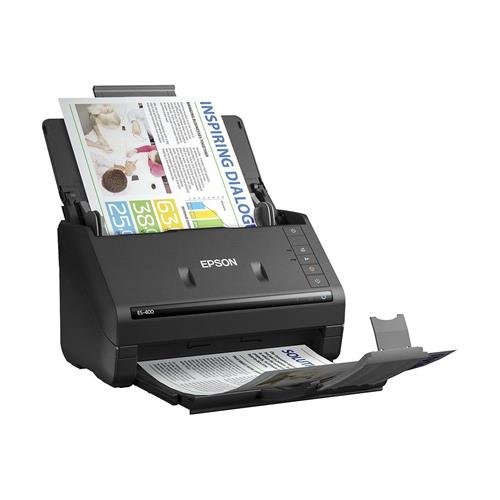
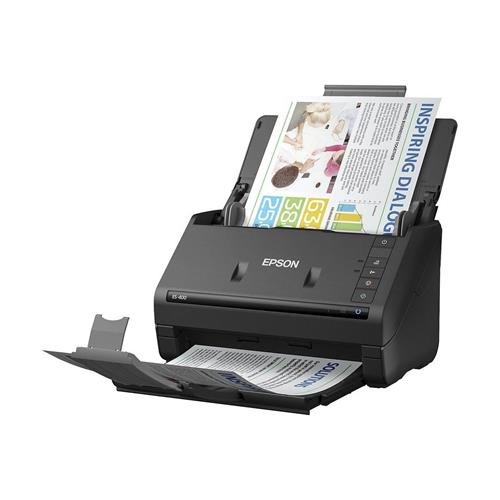
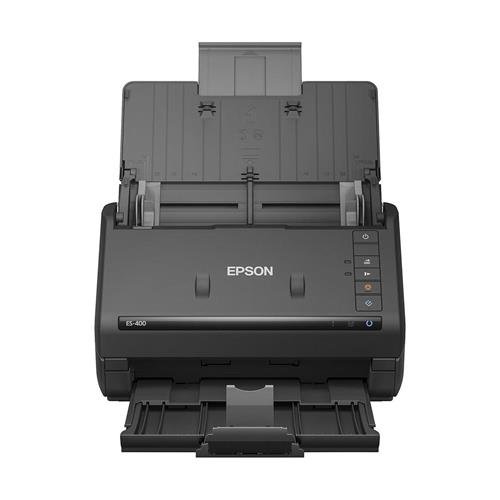
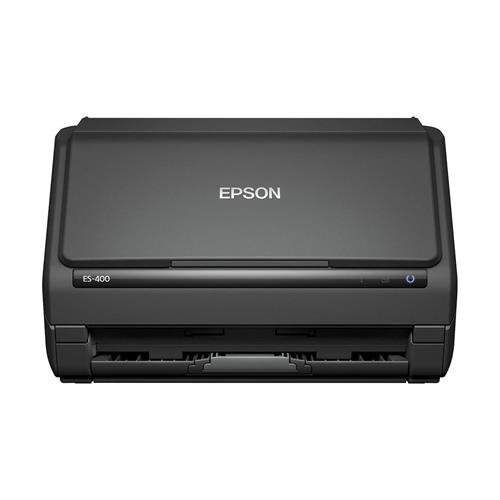

- Get organized in a snap — scan up to 35 ppm/70 ipm (1); Single-Step Technology captures both sides in one pass.Temperature: Operating: 41 ° to 95 °F (5 ° to 35 °C) -13 ° to 140 °F (-25 ° to 60 °C)
- Easily scan stacks of paper — robust 50-page Auto Document Feeder; scan business/ID cards, receipts and more.
- Powerful software included — easy scanning with intuitive Epson ScanSmart Software (2); preview, email, upload and more; automatic file naming and object recognition save time.
- Compatible with most software — the included TWAIN driver allows for easy connection to most document management software.
- Built-in Nuance Optical Character Recognition (OCR) — create searchable PDFs and editable Word and Excel files.
-
Information
-
Twitter
-
Pinterest
-
Youtube
-
Facebook
Arslan Chaudhary
Epson Workforce ES-400 Color Duplex Document Scanner for PC and Mac, Auto
Very happy with this scanner. Scanned 293 picture in a short time. Easy software to use.
Fagbohun Kazeem Olawale
Replaced my Neat Desk. I have no regrets
My Neat Desk finally died, and I got this as a replacement - after reading a lot of reviews. Works great and is much faster. I'm so happy! I don't miss the Neat Desk at all. Just wish there are lighter skins for this device (like white, or wood), as it's used at home, but it's ok. I'm pretty satisfied.
Emma Barr
Efficiency
This scanner is perfect for an office setting as it does not take up much space, yet scans a range of different document sizes. It also does double-sided scanning. It is easy to select whether to save the document, email it, etc. The price is quite reasonable for the quality of this scanner.
Yvonne Beaver
Works well
Was a good price and works well for my needs.
Mamakanneh Momoh Karsie
I LOVE THIS SCANNER!!! Blows NEAT out of the water!
I had been using, and have grown accustomed to, the NEAT system of scanning. With two magazines that I own/publish, I scan a lot of documents, checks, invoices, subscriptions, etc, every day. I had used the NEAT scanner/system since they were pretty new, and they worked well enough to I bought a second NEAT scanner after the first one started jamming up. I could have tried to fix it, but I found one on God's gift to struggling business owners (Craigslist), for super cheap. Now, my MacBook Pro was updated (finally) to the latest system software, since a lot of the programs I needed to run for the mags needed the latest system, but NEAT would NOT run on the newer systems. They kept on trying to get me to switch to their online system, WHICH SUCKS. I tried, three times. It would not take my old scans, which is the most important thing. Plus, when I exported the 4,567 files/PDFs, the file names did not take any of the document names, leaving me with gaggle-bahbbaba, which is useless. The NEAT scanner would NOT work with any new Mac OSX, so I was ready to move on. So, I looked for a new scanner that would work with MacOSX 10.10, and higher, and found this. Plus, this one is refurbished, and about $200 cheaper!!! I'm in love. If that's possible... It scans so bloody fast. I almost always think it didn't do it, it's that fast. I love that I can set jobs for each scan. For invoices, I create one for MCM Invoices, one for SCM Invoices, and it puts them right in the folders I want. I wish I could rename the files before they are saved, I'll still work on that, but for now, I have seven jobs set up, and it's a breeze!!!! Thank you Epson! You have made my life a little bit easier And NEAT, take your hard to understand speaking customer service people and have them learn some manners. Thanks! Gregg Hutchings Model Cars Magazine Slot Cars Magazine
Tosin Johnson
Color scans- two sided. Easy to use and install
Love this scanner. We have two in our office.
Mic Santander Campit
It's essentially perfect.
Headline says it all. It's like new, was a breeze to install due to thorough instructions that could be easily followed by even the brain-dead, and functions perfectly.
Leanne Cartwright
Works well
Quick setup and small desktop footprint. Took a couple of tries to feed the paper upside down and top first. Automatically deletes blank pages and scans the back of double sided pages. When you scan a prompt pops up on your screen; so you can save it or process the scan. This is the third Epson product sitting on my desk. All are working well.
Aroha Samuels
Wow fast!
This thing is fast, does 2 sides at the same time, and the image quality is really good
Emmie Lou
Fast, two-sided scans. Software works well.
I've scanned hundreds of pages of double-sided documents. Each had a unique name and the software (Epson Scan 2) which is very simple, allowed a date or serial number to be appended to the file name, making my project very easy.