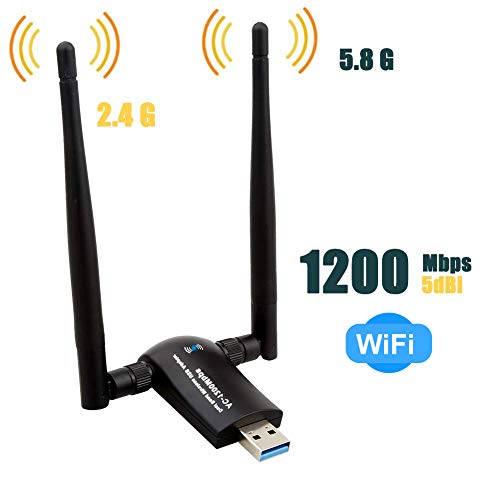
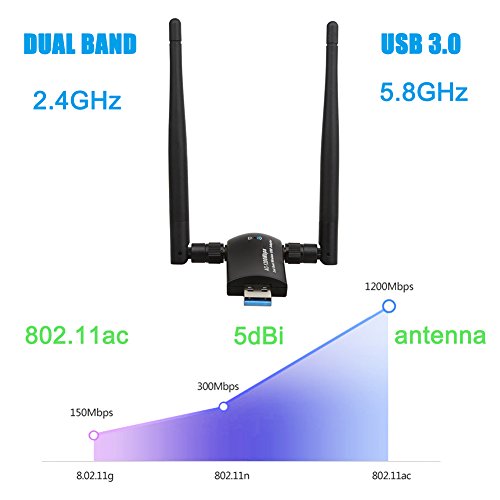
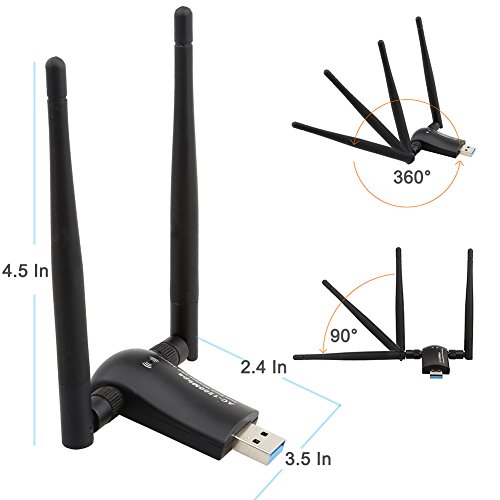
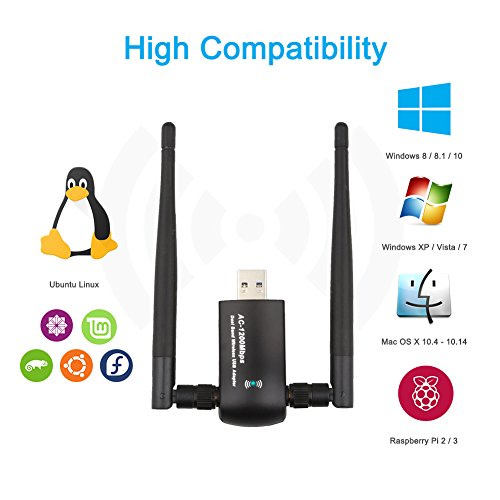


- 【ULTIMATE WIRELESS RANGE】: Comes with 2 Pieces of Long Range WiFi Antennas of 5dBi, this WiFi Adapter Ensures Range Extended WiFi Connection and Superior Stability on Your Desktop, Laptop, PC
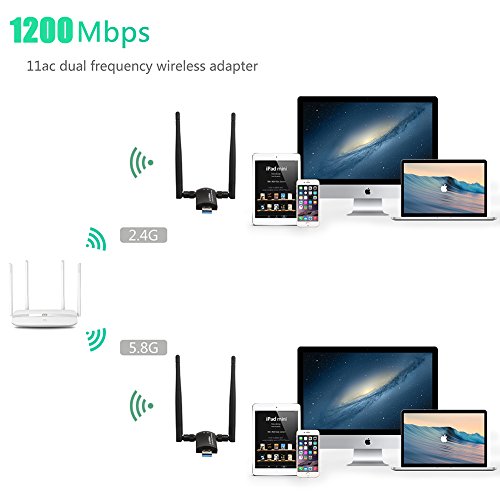
- 【EXCELLENT WI-FI SPEED】- Upgrades PCs to 802.11ac with Ultra-fast AC1200 wireless adapter speed, You Can Get 867Mbps Wireless Speed on 5GHz WiFi Band or 300Mbps Speed on 2.4GHz WiFi Band.Performance to reduce freezing and lags for gaming online and seamless HD video streaming.
- 【SIMPLE INSTALLATION】 - With USB 3.0 socket, comparing with competing products, ours are easily connected to computers or other devices, as well as it’s 10 times faster than 2.0, and there is no any complicated operations to install.
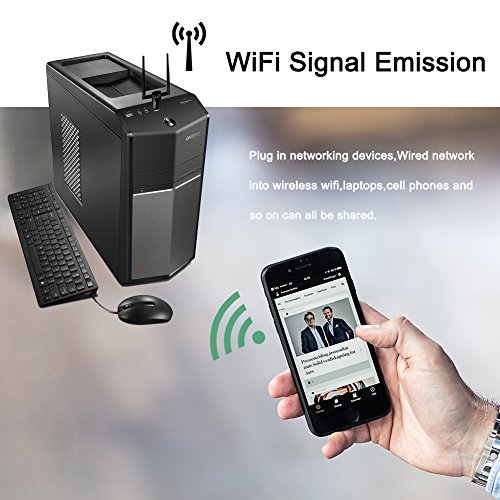
- 【Wi-Fi Hot Spot】: You can create a Hot spot with the Soft AP Feature if your computer is under wired Internet connection. You can boost Wi-Fi to your mobile devices from your computer.
- 【Warranty Service】: We provide 24-Month free Warranty. Please contact us if you have any problems about the usb adapter, we will respond to your issue within 24 hours.
-
Information
-
Twitter
-
Pinterest
-
Youtube
-
Facebook
Artika Lata
Works really well!
I bought this adapter for my mother-in-law. She recently switched internet providers and the router interface changed from wired and wireless to wireless only. The PC had no built-in wifi adapter so I selected this one to get her back online. I was skeptical whether it would be able to get a good signal from the router which is a good 60 feet or so away. I took a wifi extender with me from our house just in case. But I was surprised that the Techkey adapter pulled in a pretty good signal with good speed. It was easy to install and I would definitely recommend the product to others.
Nwobodo Emeka Stanley
Affordable and Reliable
I have an aging Windows 7 era machine (running WIndows 10) as a secondary computer in an upstairs bedroom. The machine was given to me and it had a Rosewill PCI card attached for Wi-Fi capability. That card worked reliably under Windows 7, but became flaky with Windows 10. Every now and then I'd have to uninstall and reinstall the original drivers. There were no Windows 10 drivers that I could fine. It was obvious I had to update the card. But because the computer sits in a corner far away from the router, I knew I needed something with an antenna. That's when I stumbled across this Techkey USB adapter. The adapter arrived promptly and installed quickly with a mini disc containing the drivers. From the USB 2.0 ports, I get a reliable, strong, and consistent signal of 270 mbps off of my 2.4 ghz channel and 240 mbps off my 5 ghz channel. With networking equipment, I usually stick to Linksys or Netgear, but I took a chance on this one and it has worked out very well. I highly recommend this device if you're looking to find an inexpensive wireless solution for a spare machine.
Hareem Sania
Easy installation with Win10
As mentioned in several reviews, this was a very simple install with Windows 10. I did not have enough USB ports to connect directly to the laptop, so I have mine running off a USB 3.0 multi-port adapter. I'm pleased with the download speeds that I'm now getting. This is used for a work laptop, so I'll be monitoring for any drops that may occur in the future. I'm pleased with what I'm seeing thus far.
Mirza Aman Ullah Baig
Quality
When it comes buying items it isn't about the quantity it's about the quality, this adaptor has both. This adaptor triples my previous adaptors mbps and is around the same price which tells me this is the product to get. I have several devices in my house and over time I plan on getting this adaptor for all of them.
Alejandro Suez
Huge performance in a small package!
I was not sure how well this thing would work for as cheap as it was, but I was blown away. Installation could not be easier. I am running Win10 and as soon as I plugged this unit in, windows knew what it was and made it work. IN SECONDS! I have it plugged into a USB 3.0 port and hooked to a 5G network. I am seeing almost 100Mbps! (See screen shot.) Very happy with my purchase and will buy again!
Chetan Anand Singh
Great WiFi adapter
Connects automatically with Windows 10, no drivers to install. I compared this adapter to another well-reviewed brand and found the TechKey one to be faster - on my internet, 88 Mbps for the TechKey vs. 56 Mbps for the competitor's. The adapter is smaller than it looks in some pictures. I was worried it would stick out from the sides of my PC, but on a mid-tower case the antenna are well hidden. The base of the adapter is long enough to allow corded USB devices to be plugged into adjacent USB ports. Well worth the price.
Yvonne Hines
WiFi problem solved with this adapter
I was having trouble with my internal WiFi card on my desktop working intermittently so I ordered this product to use instead. Installation was super easy and quick and as a bonus my network connection increased from 300 mbps to 867 mbps. Web pages open much faster now. The range on this is far superior than my old internal. I can see many neighbors networks that I never saw before.
Akarshan Lochun
Fantastic!
I was only able to connect to a 2.4Ghz wifi with my desktop computer and I was having all kinds of signal issues. I wanted to upgrade to 5Ghz and almost purchased a internal card for the computer until I ran across this. I thought I would give it a try because it cost half as much as what I was considering. I received it today, quickly installed it, and was up and running at 5Ghz speed with 100% signal strength in no time at all. Extremely happy I chose this product. Thanks.
Jeremy Waugh
Operating nicely 585-867 Mbps
I have been using a Netgear N Dual Band adapter for many years. I am on a Sonic 1 Gbs network in San Francisco and decided to look into an AC adapter if the price was right. At $20 for this Mytechkey adapter, I made the jump. Background: With my Netgear adapter, I was hitting link speeds 163 Mbps and this produced Speedtest results of 100/100 Mbps (R/W), which is pretty good. Received the adapter on Saturday. It came up operating N 2.4G mode. Took quite a bit of searching to determine that I needed to modify driver settings (device manager>network adapter>Realtek 8812BU NIC>advanced>wireless mode>802.11ac) to get it working. Once I did the results are pretty impressive, typically around 250/250 Mbps on Speedtest. It runs at different levels based on demand -585-680-760-867 Mbps. FYI, the link speed runs 585 during the Speedtest, so the limitation is on the server and other factors, not the adapter. Also, AC mode appears to only run at 5G mode. I did not spend anytime working with the N mode and I don't know how to get the the 1200 Mbps link rate. I think that requires a USB 3.1 which do not have. After three days of flawless operation, I would recommend you give this adapter a try Attached are screenshots of measured performance.
Joe Farrell
Ships fast, does what it advertises
First of all: for 99 cents, I was able to get this shipped in 2 days after finding out suddenly I needed to move to an apartment with no ethernet connection. The overall price is fair assuming it stays working. (I'll update this review with a time frame after it dies, but in the past I've bought cheap units that last three or four months and am hoping this one will be different.) Setup is easy. Run the setup executable from the mini disc included and then restart your computer. It took about 2 minutes to finish installing after that, and it automatically connected to the password-free wifi (xfinity, naturally). I haven't tried it with a password-protected network yet, but it seems like a simple process, much like any computer with built in wifi capabilities. It's a little bulkier than I'm used to with these, but be realistic. If you're considering buying this, you either have a really old laptop with no aesthetic in the first place, or you have a desktop where you could hide the adapter in one of the back USB ports. Overall, I love it so far, but I'll update if anything changes. UPDATE: I've been using this daily for almost three months now, and it's been almost perfect so far. It's had two days where the connection was iffy and not dependable at all, but honestly it's rare enough that it doesn't bother me considering the price. In comparison, I've bought a couple of these in the past from other companies and once that started happening with them, it was a quick decline into complete failure. This recovered fine and is still running strong.