
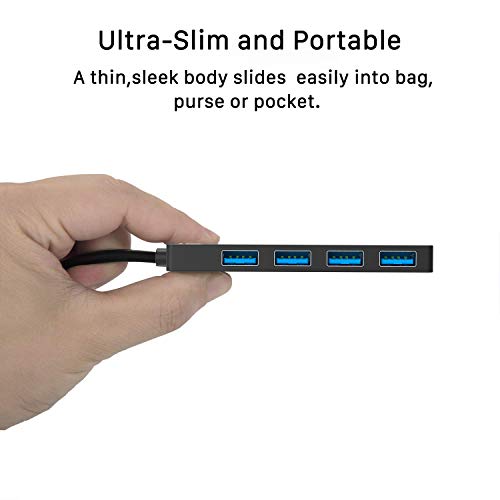
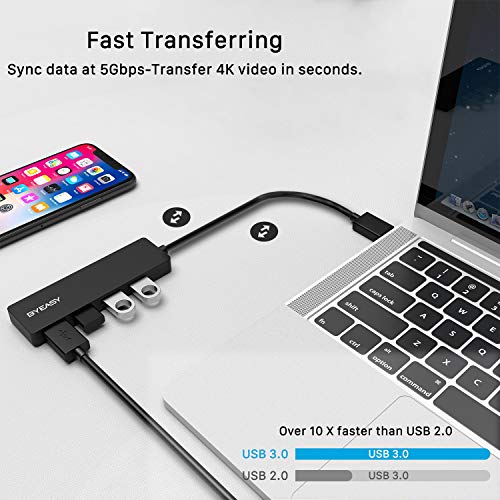
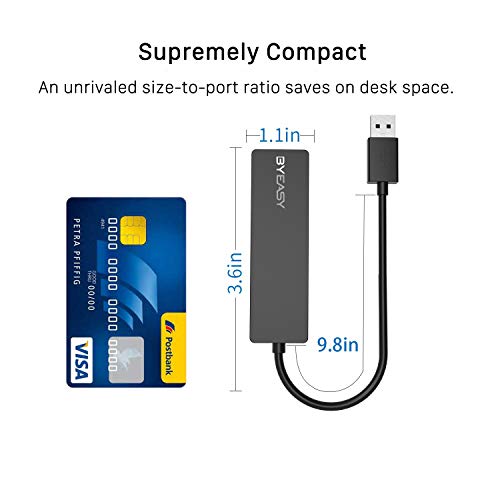
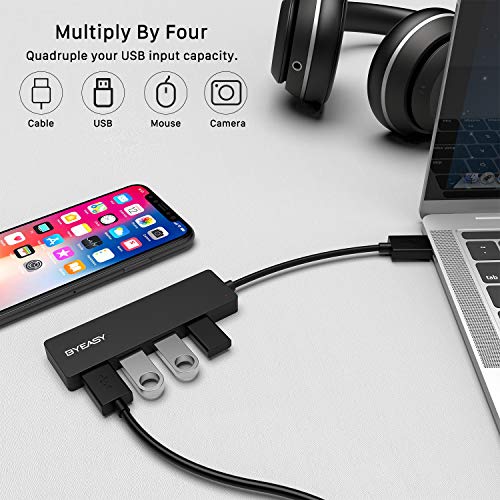
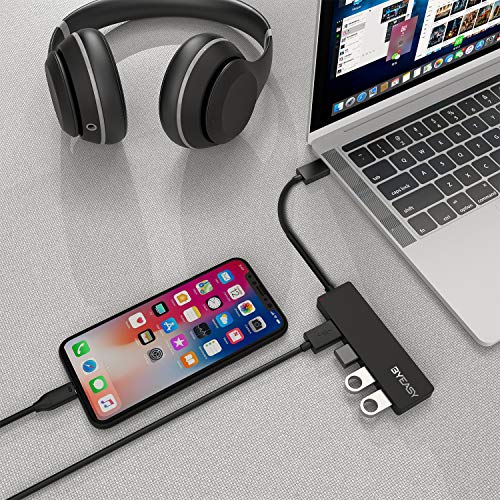

- USB Hub : Instantly Add Four USB 3.0 Ports to iMac,Macbook, Mac Pro / mini, Surface Pro, XPS, Notebook PC, Mobile HDD and More.Note: This hub not for charging devices because it support output max current only 900mA .Charging very slowly
- Ultra Slim & Advanced chipset: Advanced chipset with good thermal design, will not heat even if used for long time.
- High Speed Data Hub : Supports Transfer Speeds up to 5Gbps (USB 3.0), 480Mbps (USB 2.0), 12Mbps (USB 1.1). Note: This hub support output max current up to 900mA.So some HDDs that need curent more than 900mA need extal power adapter.
- Great Compatibility Laptop : Compatible with Windows 10/8/8.1/7 / Vista / XP and Mac OS X, Linux and Chrome OS. ( The Usb 3.0 Hub Reverse Compatible USB 2.0 and USB 1.1.)
- Package Contents: BYEASY UC-109 USB 3.0 Hub Four Ports, User Manual, 30-Day Money Back Guarantee
-
Information
-
Twitter
-
Pinterest
-
Youtube
-
Facebook
Linda Briere
Works on PS4 mouse and keyboard
This product is possibly one of the best purchases I’ve made. I play mouse and keyboard on PS4 and this product helped me a lot, due to the fact of the PS4 only having 2 USB ports, I Couldn’t connect my wireless headset, or charge my phone, since I had the mouse and keyboard plugged in the 2 USB ports. However, with the product you can connect your mouse and keyboard, charge your phone, and many more things. This is a 5/5 product, and I recommend it any PS4 mouse and keyboard gamers.
Crystal Ash
Tremendous USB HUB. Excellent price
I have purchased this USB HUB 109 to use it in my Mini PC. The product arrived on the promised date and is exactly as advertising on Amazon ensured. The quality of the product is magnificent. I have installed several peripheral devices (mouse, keyboard and two USB memories) and all have worked wonders. As you can see in the photo, I fixed with a stick the USB Hub to my Mini PC. I assure you that comfort is magnificent.
John Banks
Perfect for Xbox users
Bought this for my son as a gift for his Xbox One. According to him it's perfect for having additional usb ports when needed for wired controllers, headsets, additional storage and so on.
Brian Mackenzie
Solved my problem!
I have a laptop with 3 USB ports. The card inside the computer that controls Wi-Fi and Bluetooth connectivity was damaged and I had to get USB adapters to replace it. There went 2 of my USB ports! This is an affordable alternative that now gives me 4 additional USB ports. Problem solved!
Jessica Canhigh
Easy to Use, Easy to Carry And Works Very Well
This is small enough that I now carry it with my computer. It is easy to use and WELL WORTH the cost. I strongly recommend this if you need additional USB ports for your computer.
Daveo Wilko
Solved my problem!
Needed extra USB ports: this is small, and works like a charm.
Janet Ruckemesser
Great for PS4
Great product, works well with the PS4. Easy to use, straightforward setup.
Francis Soh
Everything works perfectly
It’s about time there’s a hub for PS4 that can take everything smoothly. I have my PS4 gold headset that requires a usb. It works perfectly with no lag. Also my Wd hardrive is running smooth. I have all my phone an controller chargers on it. Perfect. If anybody wants this for PS4. Get this one only. I’ve tried 4 other brands an kind. This one is the best.
Rochelle Gooneratne
Been using this for two weeks and it's fantastic!
I was using an old USB 2.0 hub before this, and it was showing it's age. After a bit of research on good USB hubs, I decided to try ByEasy hub. I am not disappointed! Plugs in, powers on, and it's ready to use right away. The only cons (and they are hardly cons at all) is that it's small and not heavy, so if you want to it to stay in place, you'll have to mount it somehow. Additionally, the USBs can take a bit of force to snap into place, but it absolutely does NOT feel like I'm damaging the device and it feels very sturdy. I highly recommend this hub! Very nice to use and worth every dollar.
Alanna Medlock
Works as expected.
I use this device in my Original PlayStation 4 to provide additional USB ports. Just for testing purposes I connected the following devices and monitored them for any issues. My headsets (Astro a50s, micro usb to charge a controller, micro usb to charge a speaker and a iPhone charger to charge my iPhone XS). All devices were able to charge properly with no issues. Both ports on the PlayStation are USB 3.0 so it doesn’t matter which one you use. I use the one on the left and use the port on the right for my headset.